Capture a stable weight
Start with the right capacity, accuracy, platform, load cells and indicator for the job and environment.
- Fit-for-purpose weighing hardware
- Calibration and routine checks
- Stable, repeatable readings
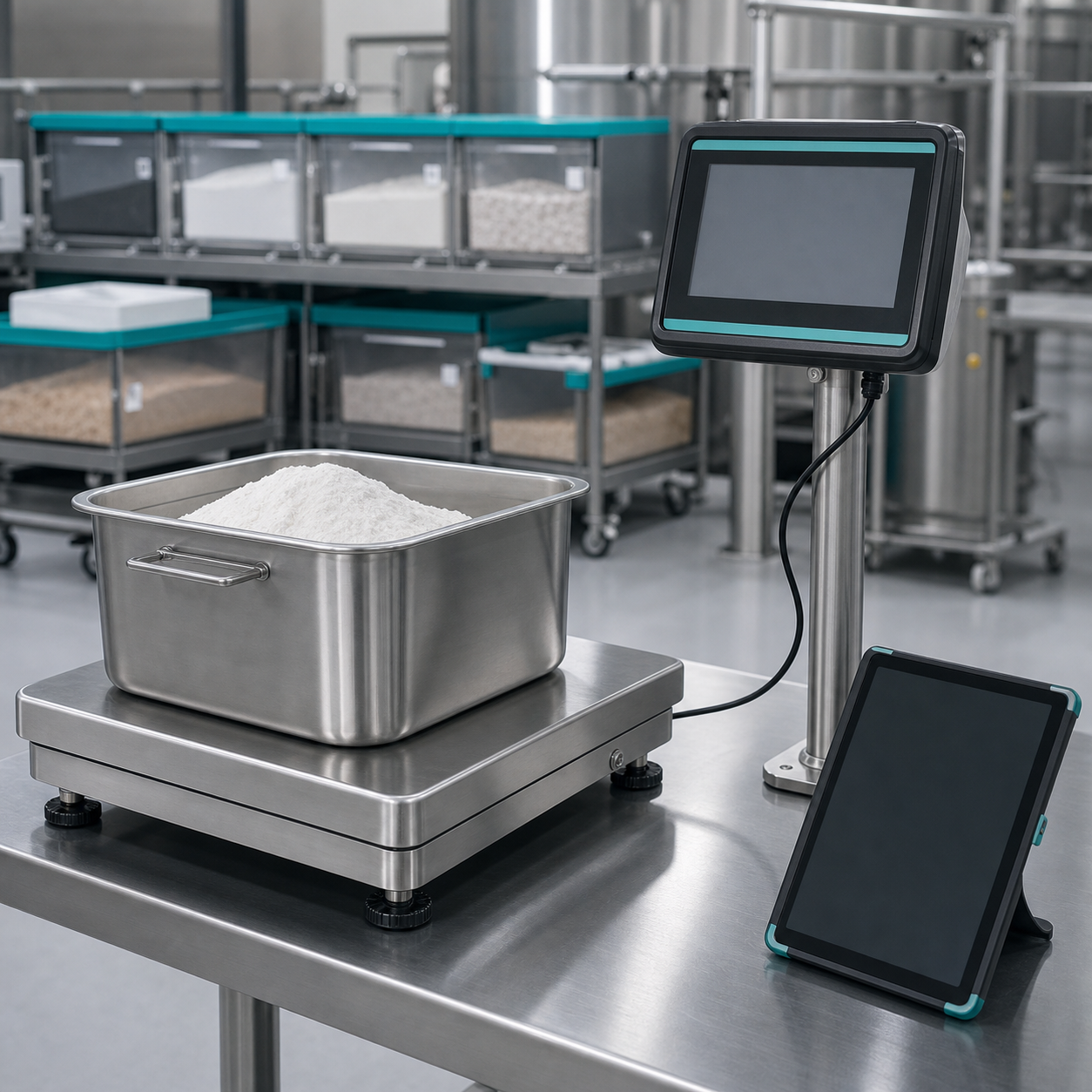
Industrial weighing with useful data
SmartScale.co.za helps factories, warehouses, farms and logistics teams connect weighing equipment to operators, printers, software and process controls—without replacing working scales unnecessarily.
Existing scale + connection + workflowWhat makes a scale smart?
A smart scale combines suitable weighing hardware with identification, data capture and a clear next action. The value comes from the complete process—not WiFi alone.
Start with the right capacity, accuracy, platform, load cells and indicator for the job and environment.
Connect the result to a product, batch, vehicle, operator, supplier, customer or job number.
Print a label, save a record, update stock, compare a target or control a connected process.
The smart-scale chain
Choose each layer around the operation, then test the full workflow with the people who will use it.
Scale, platform, load cells and indicator.
Product, vehicle, batch, operator or order.
Serial, Bluetooth, network or approved interface.
Print, count, accept, reject, alert or control.
Searchable records, reports and traceability.
Connected weighing applications
SmartScale.co.za groups the equipment around the job to be improved. Richter Scale can then confirm the scale, interface and accessories.

Guide operators through ingredients, target weights and tolerances while retaining a batch record.
Explore platform scales
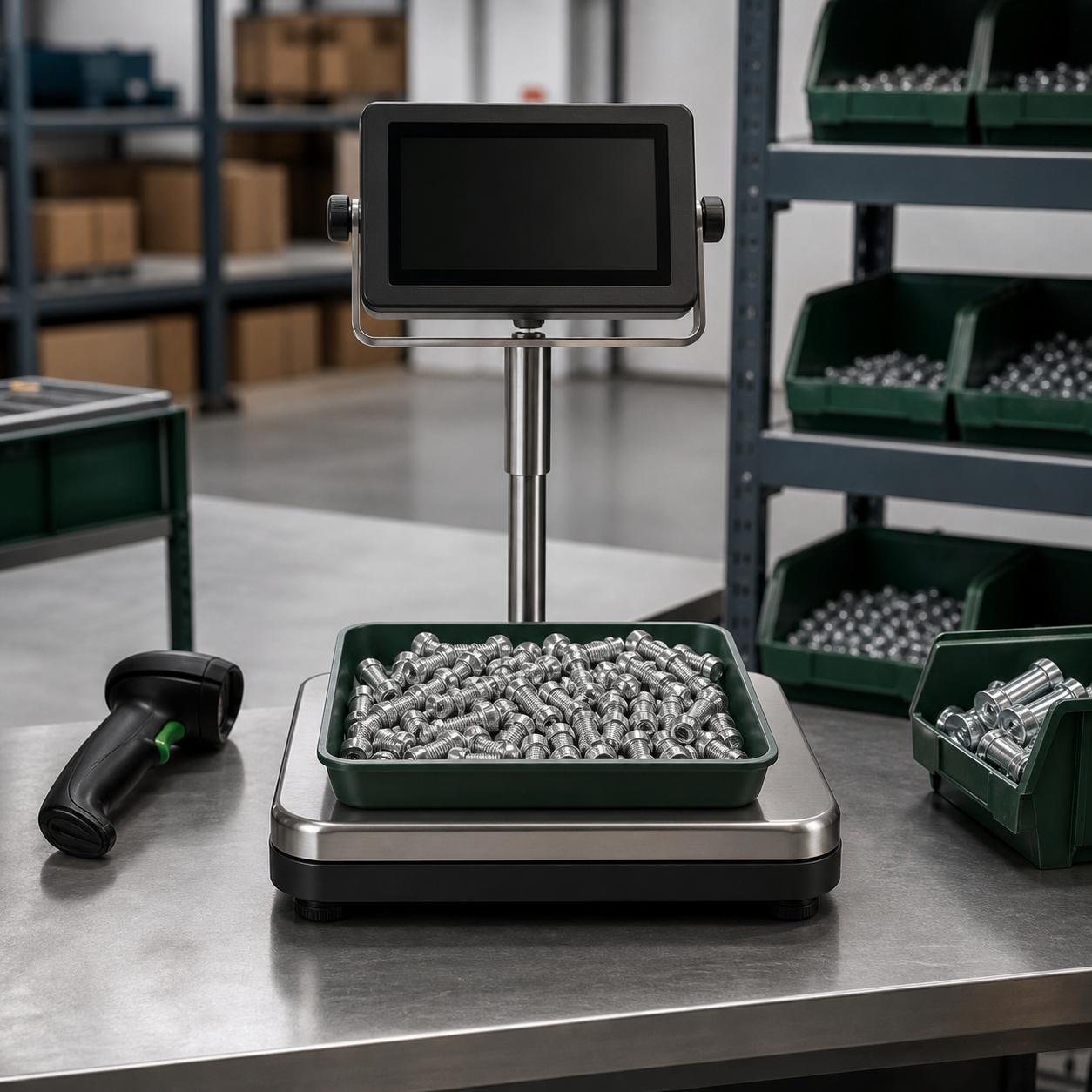
Identify parts, sample-count accurately, calculate quantity and export the result for stock records.
Explore counting scales
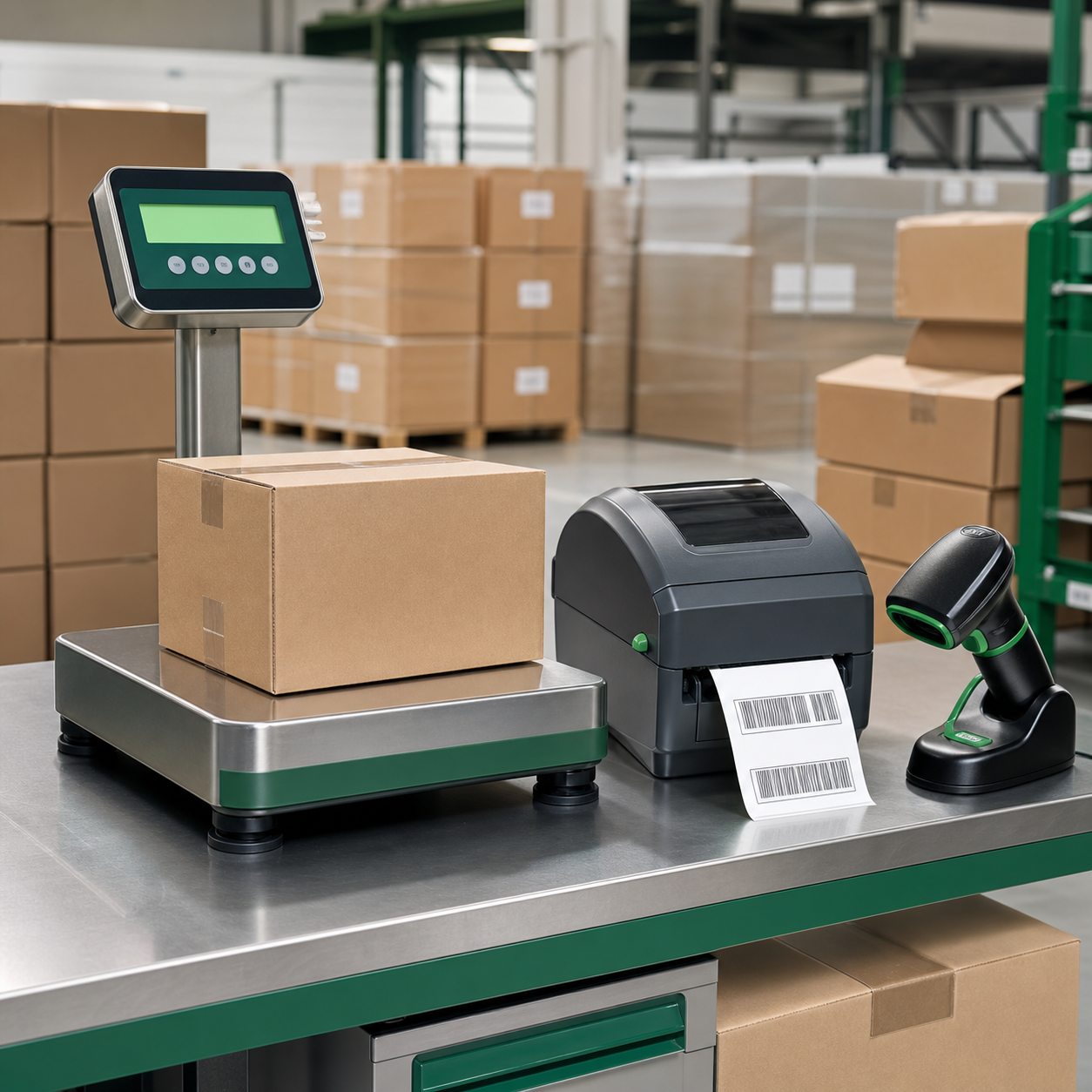
Combine weight with order or product data, then print consistent labels and retain the transaction.
Explore printing options
Record goods-in and goods-out weights against suppliers, customers, orders or pallet references.
Explore floor scales
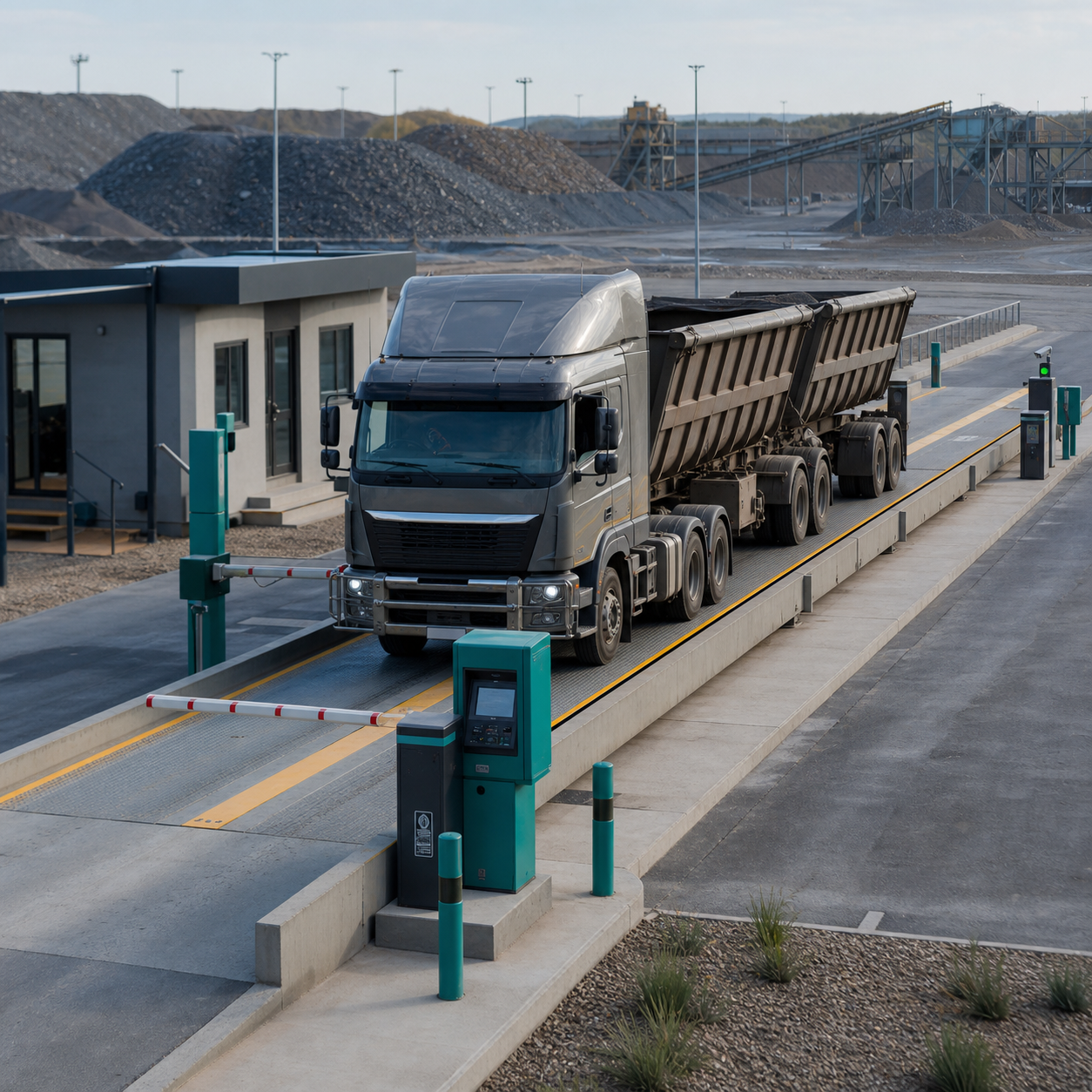
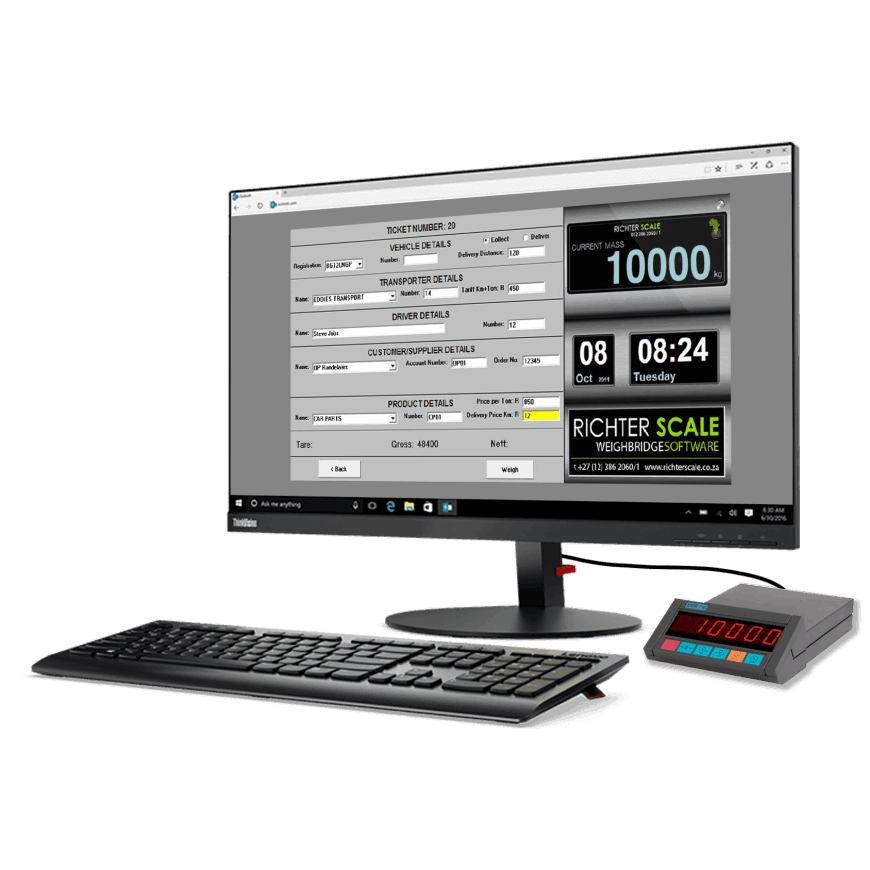
Link gross, tare and net weights to vehicles, drivers, loads and transaction records.
Explore weighbridges
Use targets, lights, relays, scanners or cameras where a weighing result must change what happens next.
Explore Richter Scale softwareA practical upgrade path
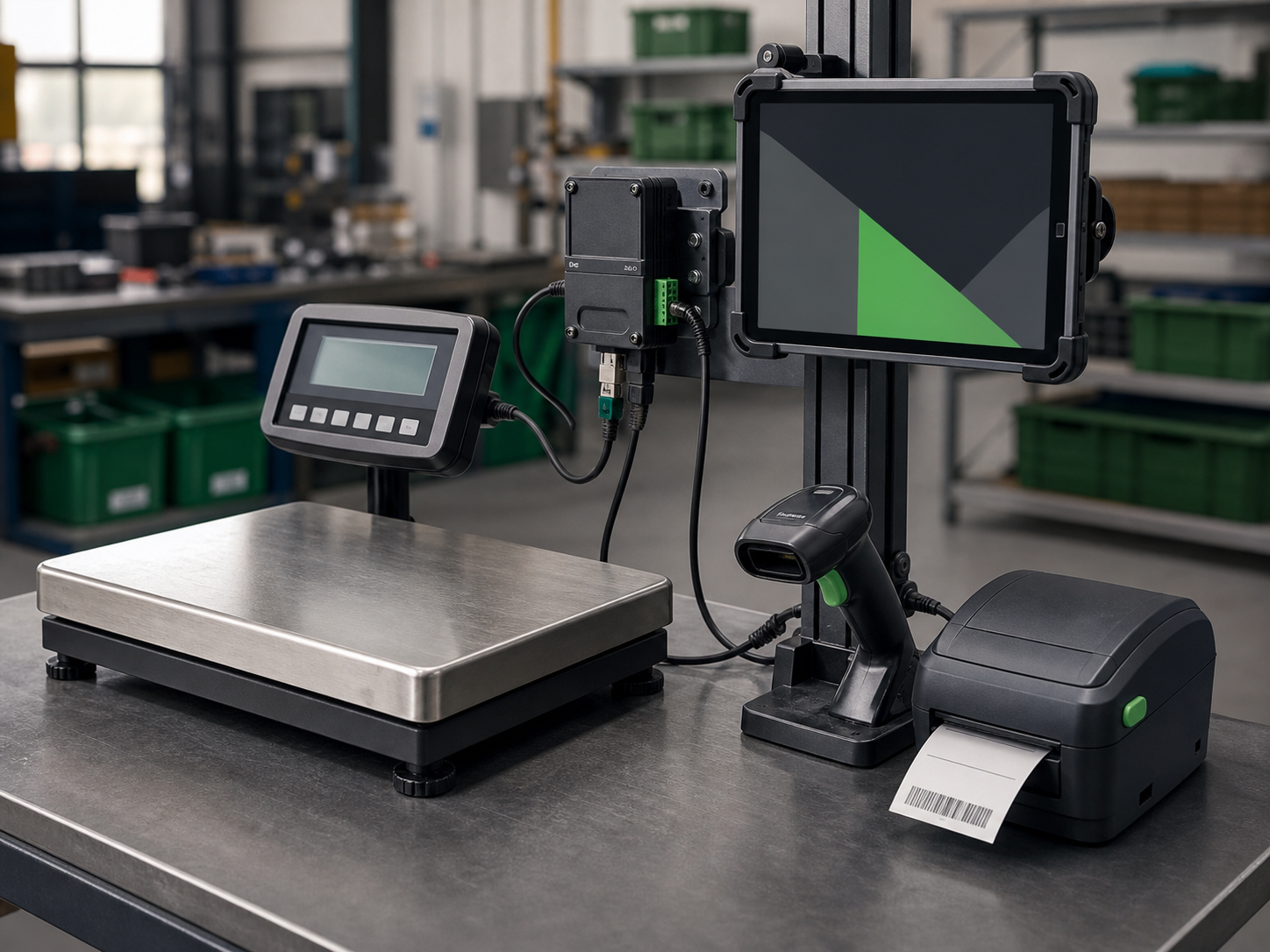
FT Lite combines a serial connection node, smart display and weighing software to add operator guidance, records and peripherals to suitable equipment.

Smart-system finder
Choose the closest outcome. This is a practical starting point; capacity, accuracy, environment, trade use and integration must still be confirmed.
Define the reference fields that make each weight meaningful, then choose the scale interface and reporting format.
Part consistency, sample size, target accuracy and stock identifiers determine the scale and process.
Specify the physical label, printer, barcode format and information source before selecting the final connection.
Define what the operator sees and what the system must do for under, in-tolerance and over-target results.
Plan before connecting
Good systems are designed around normal work, exceptions and support—not only the ideal demonstration.
Document who weighs what, where it comes from and what should happen next.
Set capacity, readability, platform, environment, loading method and legal requirements.
Decide how products, batches, people, vehicles and jobs will be selected or scanned.
Specify labels, reports, file formats, integrations, alerts and process signals.
Plan for unstable loads, wrong products, missing barcodes, network loss and overrides.
Set calibration, backups, operator training, access control and maintenance ownership.
Powered by Richter Scale
SmartScale.co.za is a focused guide within the Richter Scale ecosystem, backed by broader equipment, calibration, repair and application support.
Frequently asked questions
Often, yes—if its capacity, condition, indicator and available communication interface suit the application. Compatibility must be checked before promising an upgrade.
No. Many useful systems work locally through serial, Bluetooth or a local network. Internet or cloud access is only needed when the chosen workflow requires it.
Store only what supports the process: typically weight, unit, date, time and a useful product, batch, operator, vehicle or job reference.
Yes, with a compatible printer and correctly designed workflow. Label size, fields, barcode format and trigger conditions must be specified.
Suitable systems can signal lights, relays, alarms, gates or other controls, but the sequence and safe failure behavior need application-specific engineering.
No. Better records do not correct a poor measurement. The weighing instrument still needs suitable installation, routine checks, calibration and maintenance.
Smart Scale enquiries
This structured brief gives Richter Scale the information needed to recommend the weighing equipment, connection method and workflow. Required fields are marked with an asterisk.